Feedback loop
Run the app, collect visual annotations from reviewers, and turn each submission into a focused agent task.
How it works
Prompt in. UI out. Visual feedback flows straight back to your agent.
This is the <Diagram /> component. Drop it into your app.
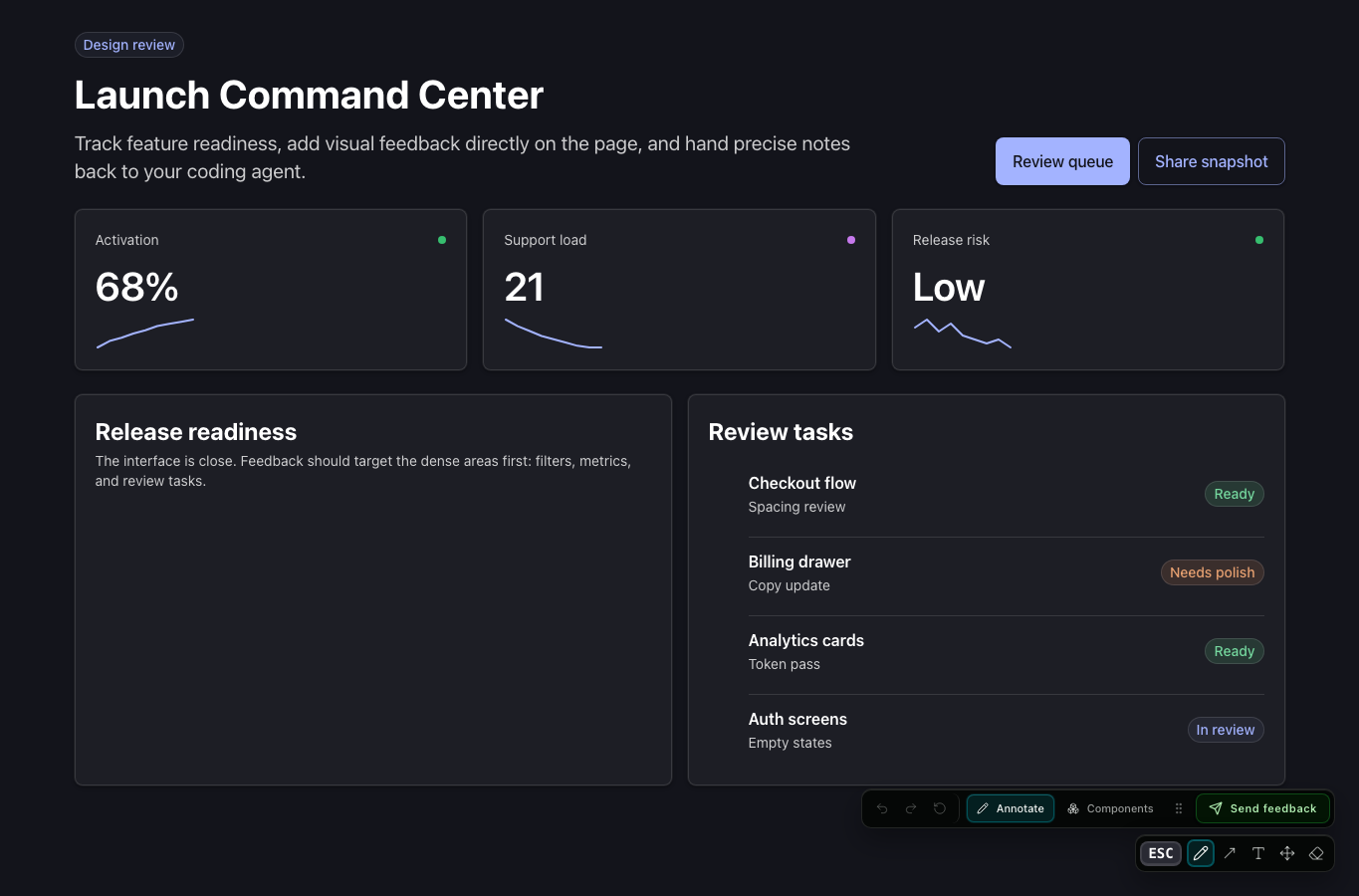
Start feedback mode
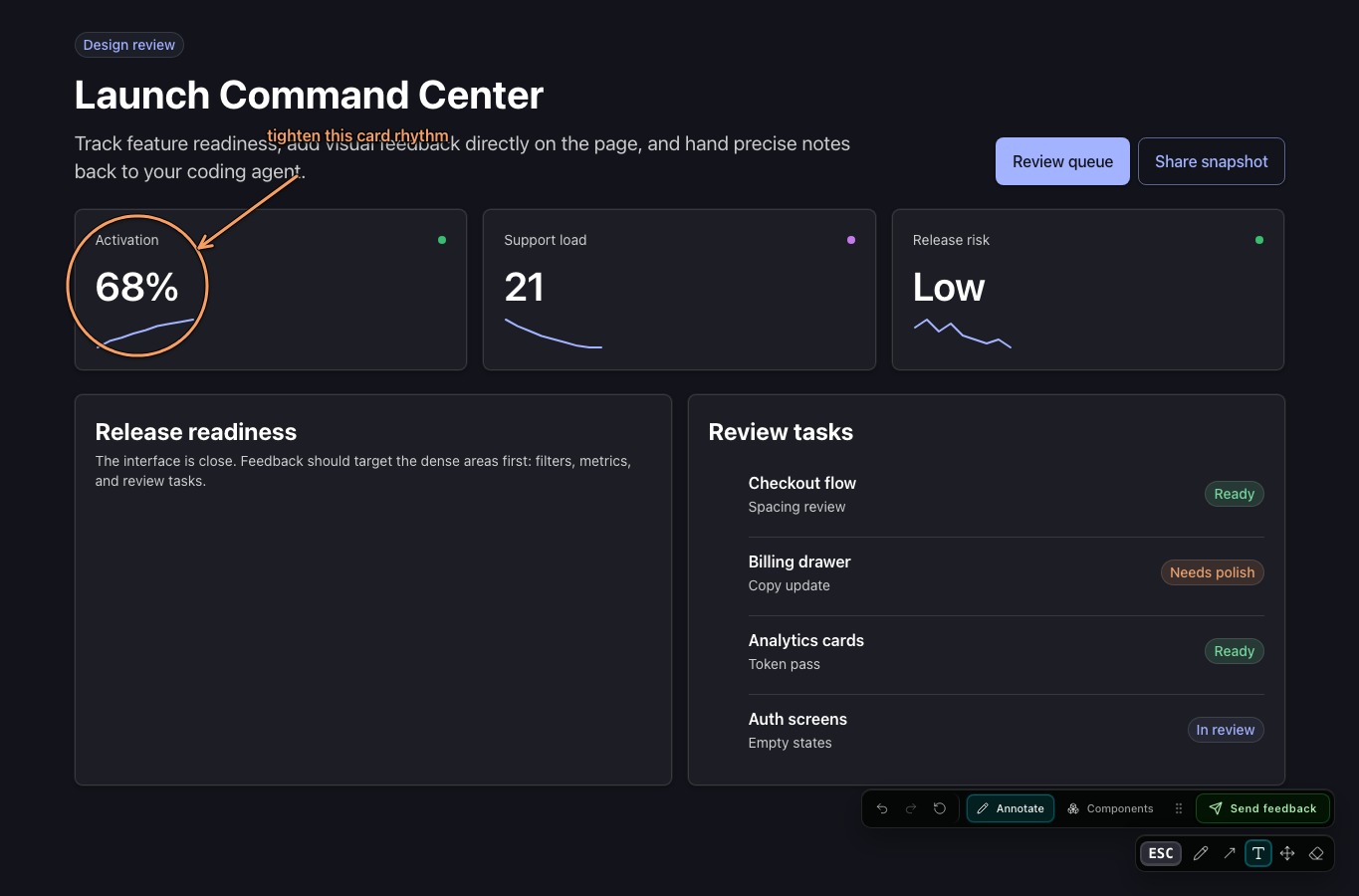
Ask your agent for visual feedback. The dryui-live-feedback skill brings up the feedback
server and dashboard alongside your dev server, opens the app, and waits for you to draw on the
page. Each submission becomes a structured task the agent picks up automatically.
Local by default
The server uses port 4748 by default and stores queue data under .dryui/feedback in the project.
Agent-readable
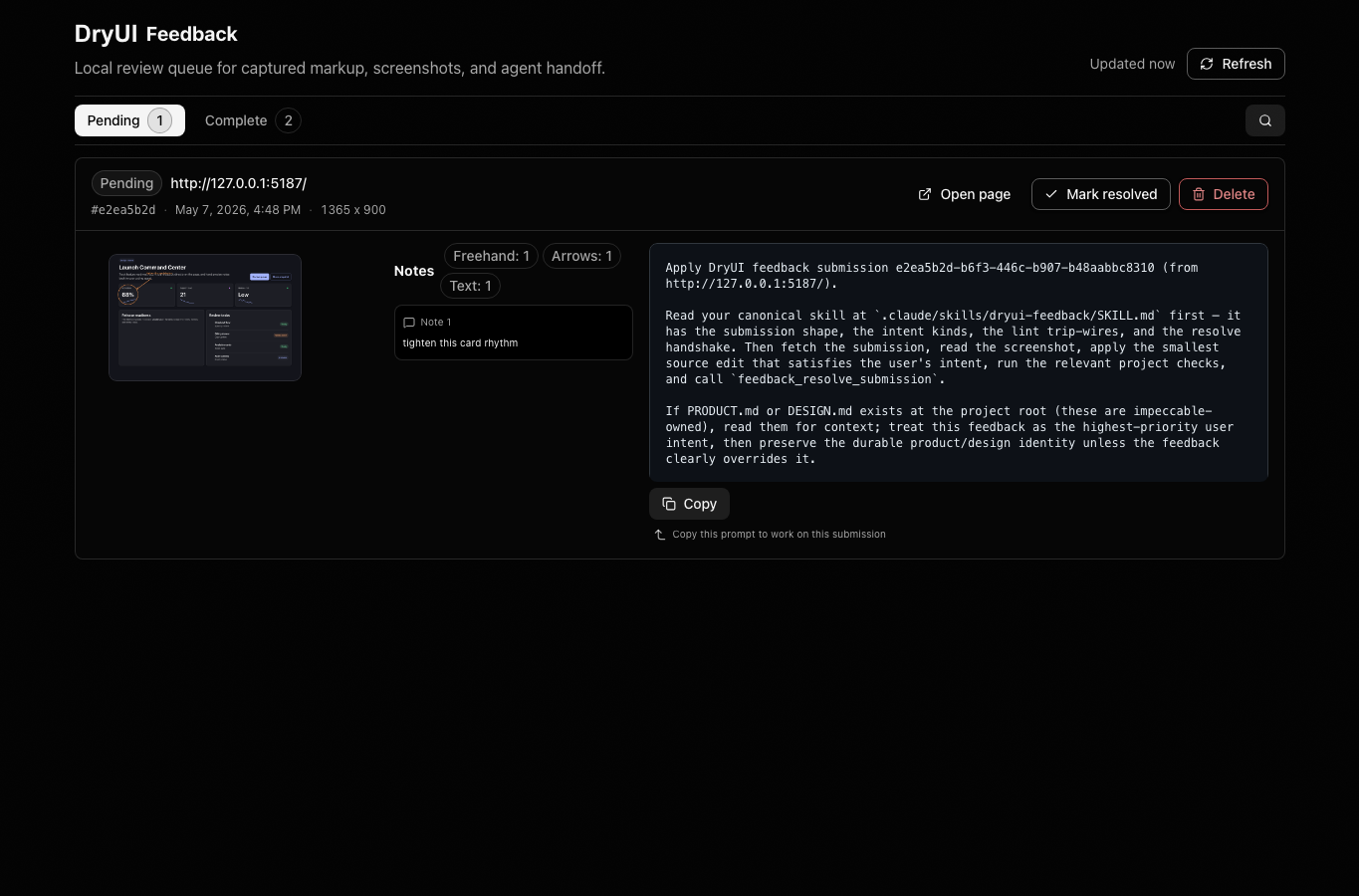
Each submission keeps the screenshot, drawings, page URL, viewport, scroll offset, text notes, and DOM hints together.
Resolvable
The feedback skill fetches one pending submission, applies the smallest matching change, runs the relevant project check, then marks it resolved.
Capture and resolve